Florida State University Home

FSU | InSPIRE

  • Webmail
  • Search FSU
  • Navigation

  • Home
  • Partnerships
  • Innovation
  • Research
  • Education
  • Manufacturing
  • News & Events
  • About
    • Our Team
  • Academics
  • Admissions
  • Research
  • Faculty
  • Students
  • Veterans
  • Support FSU
InSPIRE

Institute for Strategic Partnerships, Innovation, Research, and Education

  • Home
  • Partnerships
  • Innovation
  • Research
  • Education
  • Manufacturing
  • News & Events
  • About
    • Our Team
slide
  • Learning AI Fundamentals

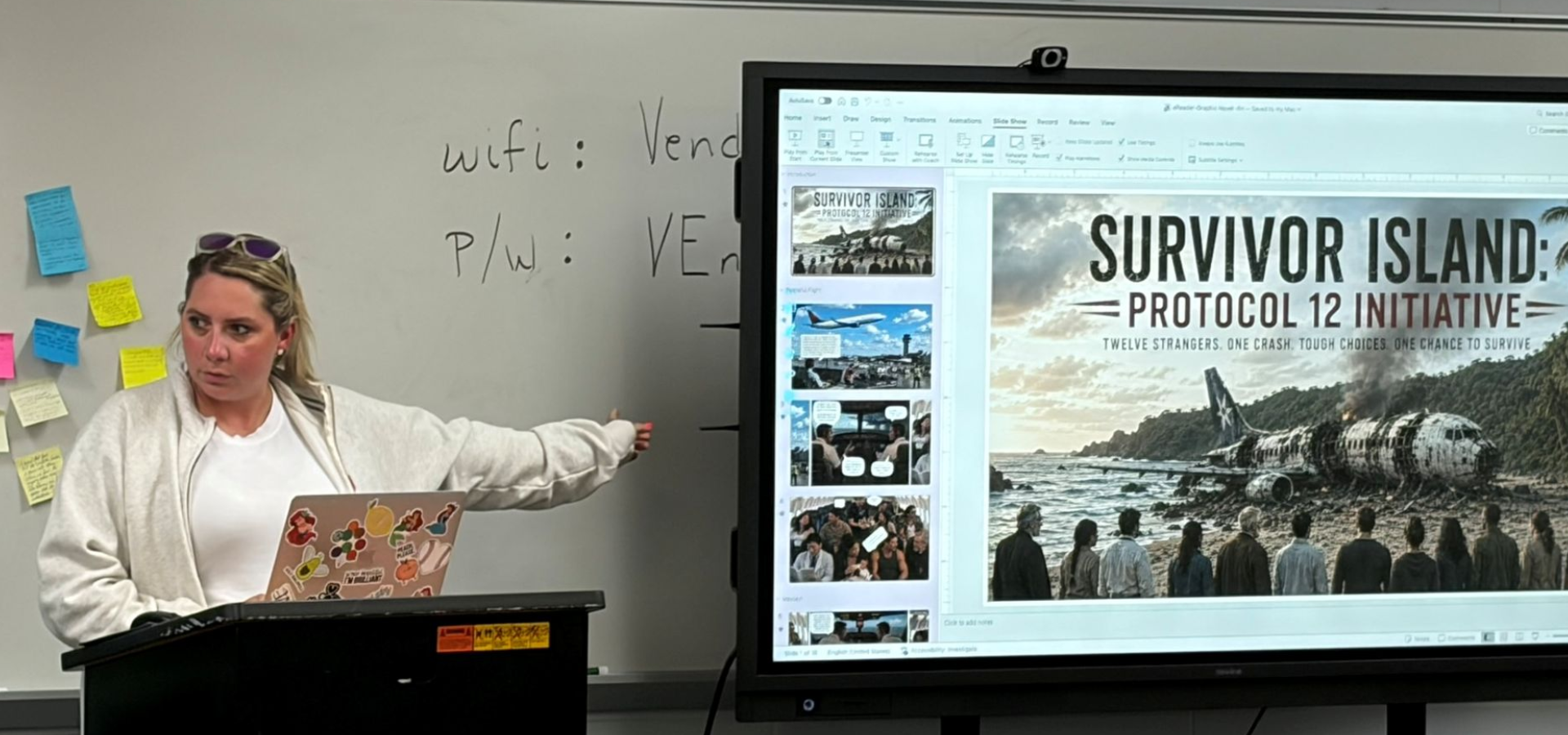
    Learn AI and LLM fundamentals to utilize in educational settings

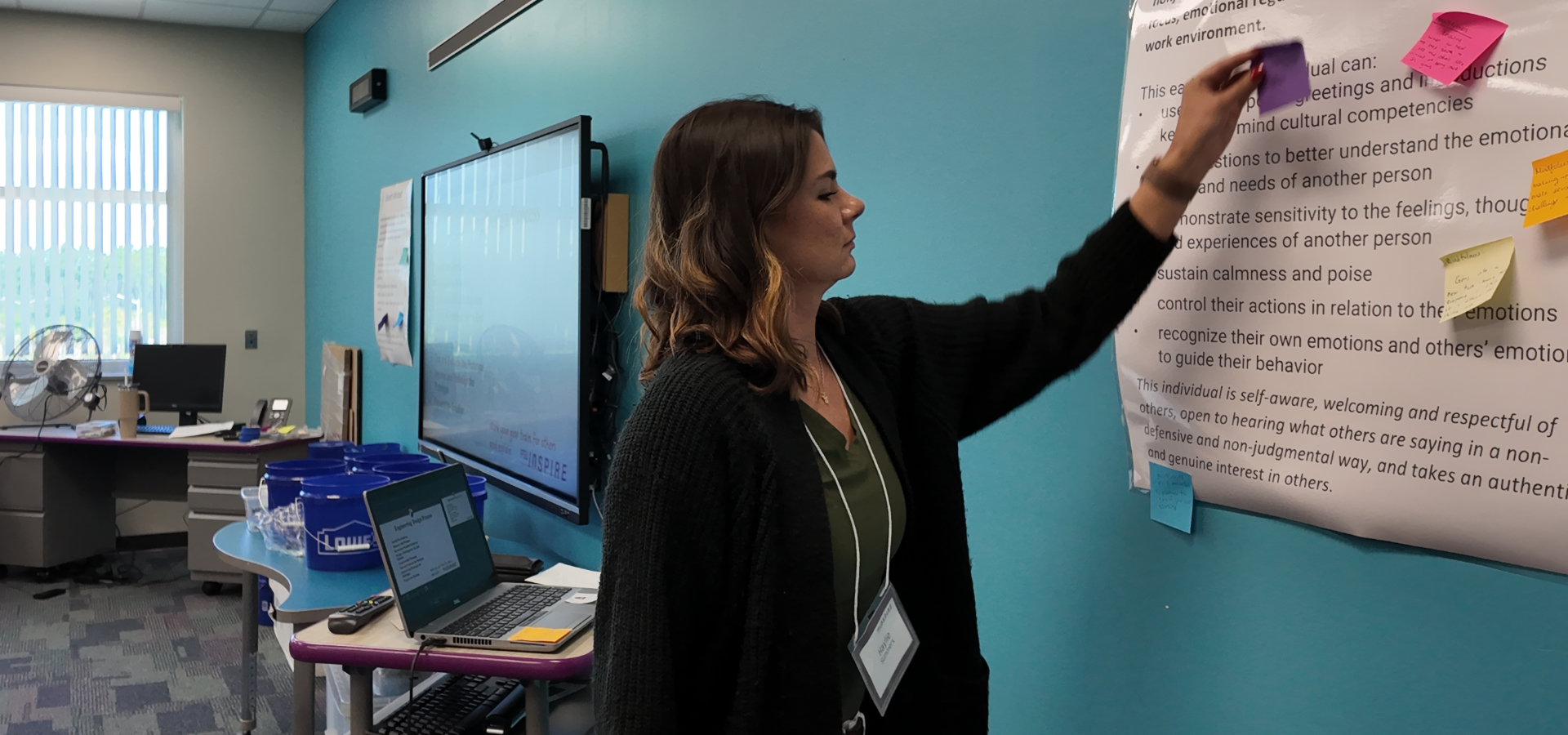
  • Integrate Durable Skills

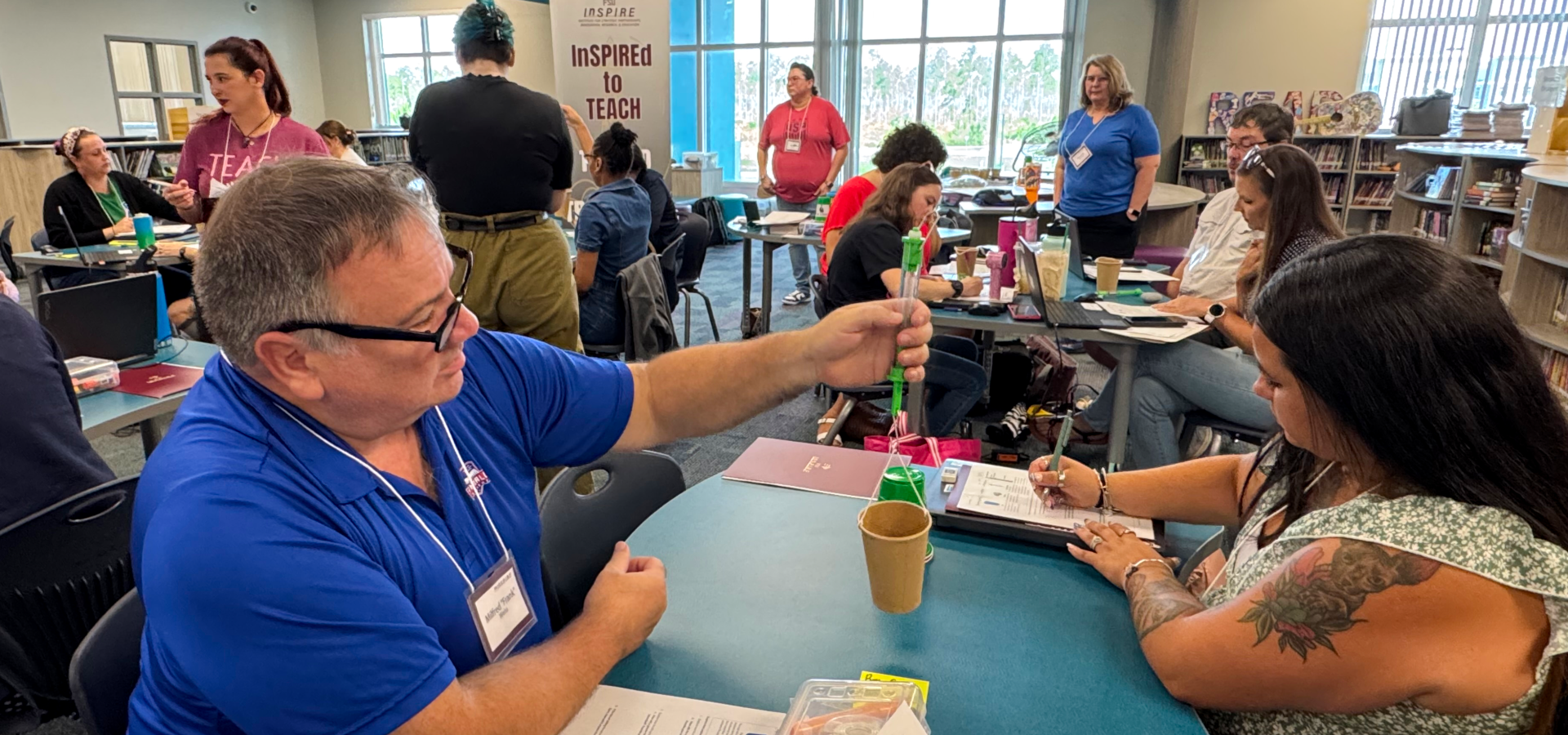
    Integrate durable skills and machine learning through hands-on activities

  • Use AI Prompts

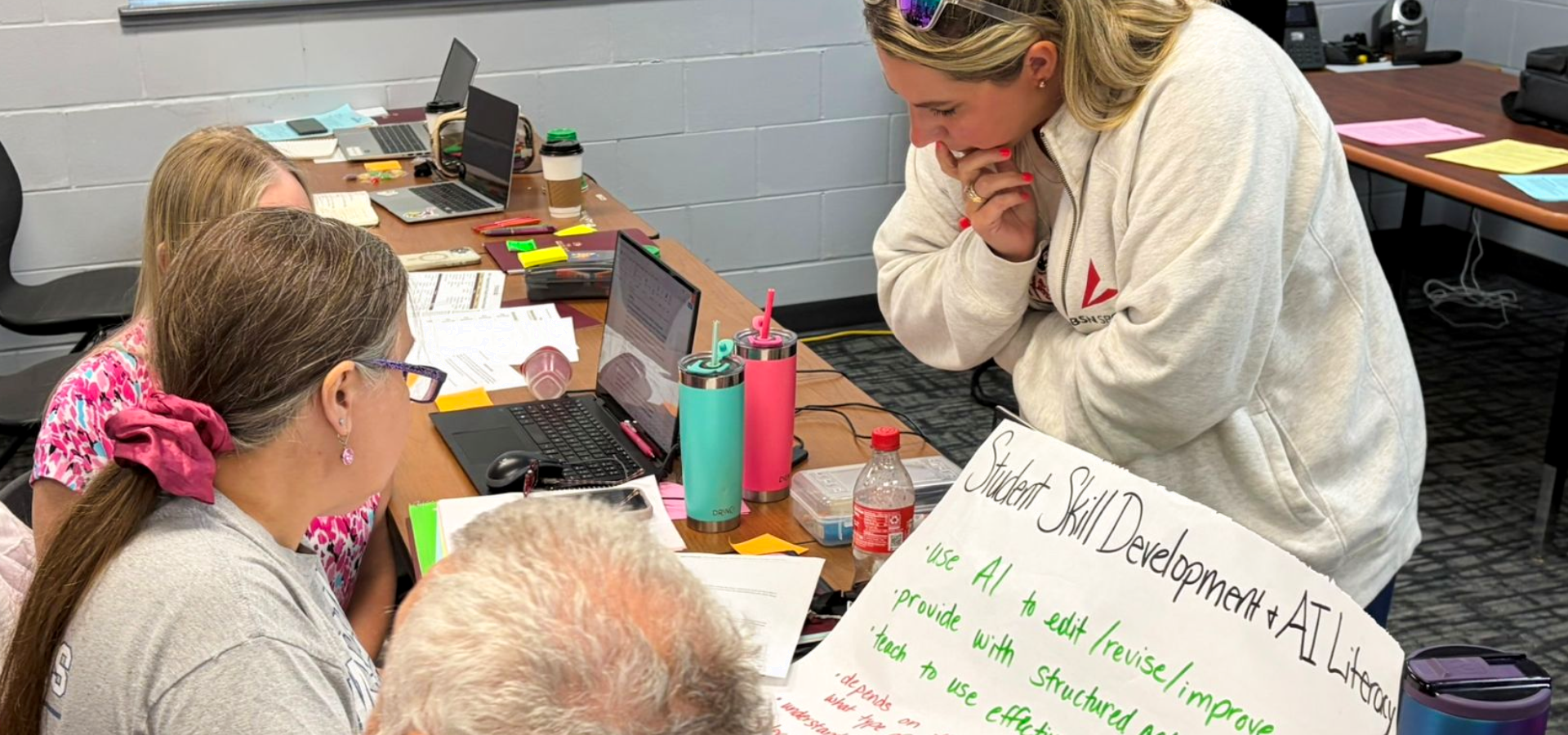
    Use AI Prompts and PowerPoint as an instructional design tool to create STEM resources

  • Codesign with AI

    Co-design with AI to create standards-aligned curriculum that promotes critical thinking

  • Evaluate AI Responsibly

    Evaluate AI responsibly and critically in educational contexts

  • Engage with Faculty

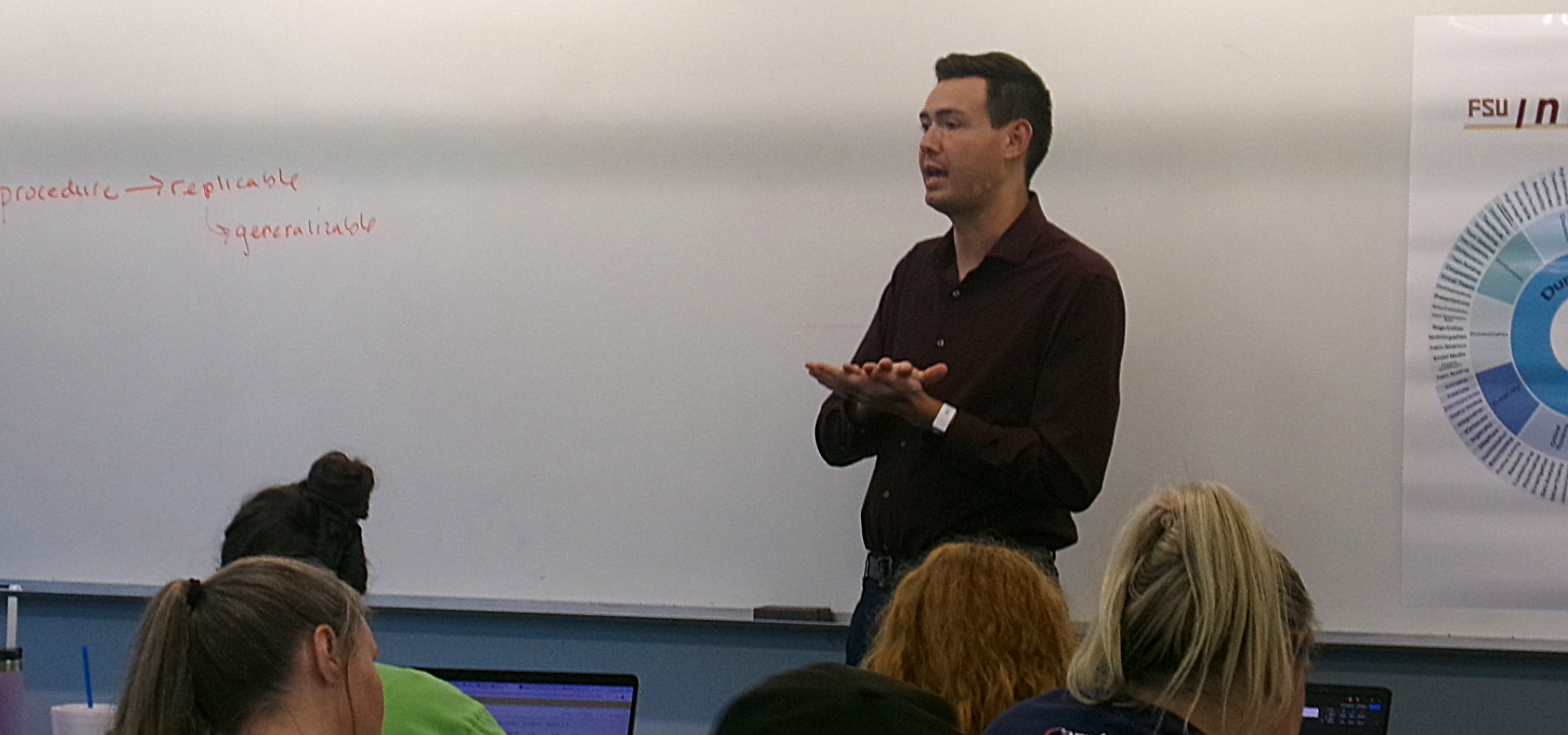
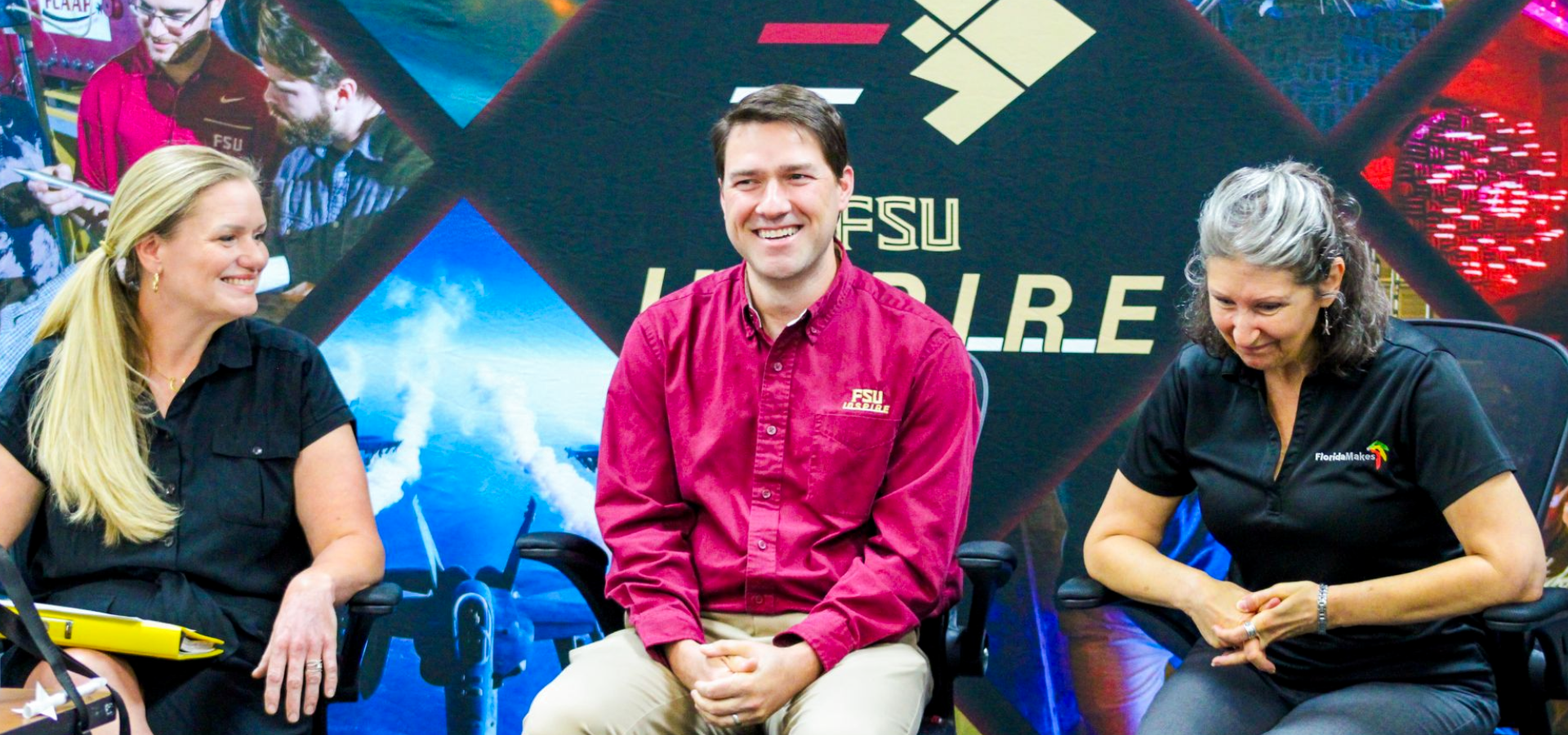
    Engage with faculty, industry and economic experts, and participate in field experiences

  • Industry Engagement

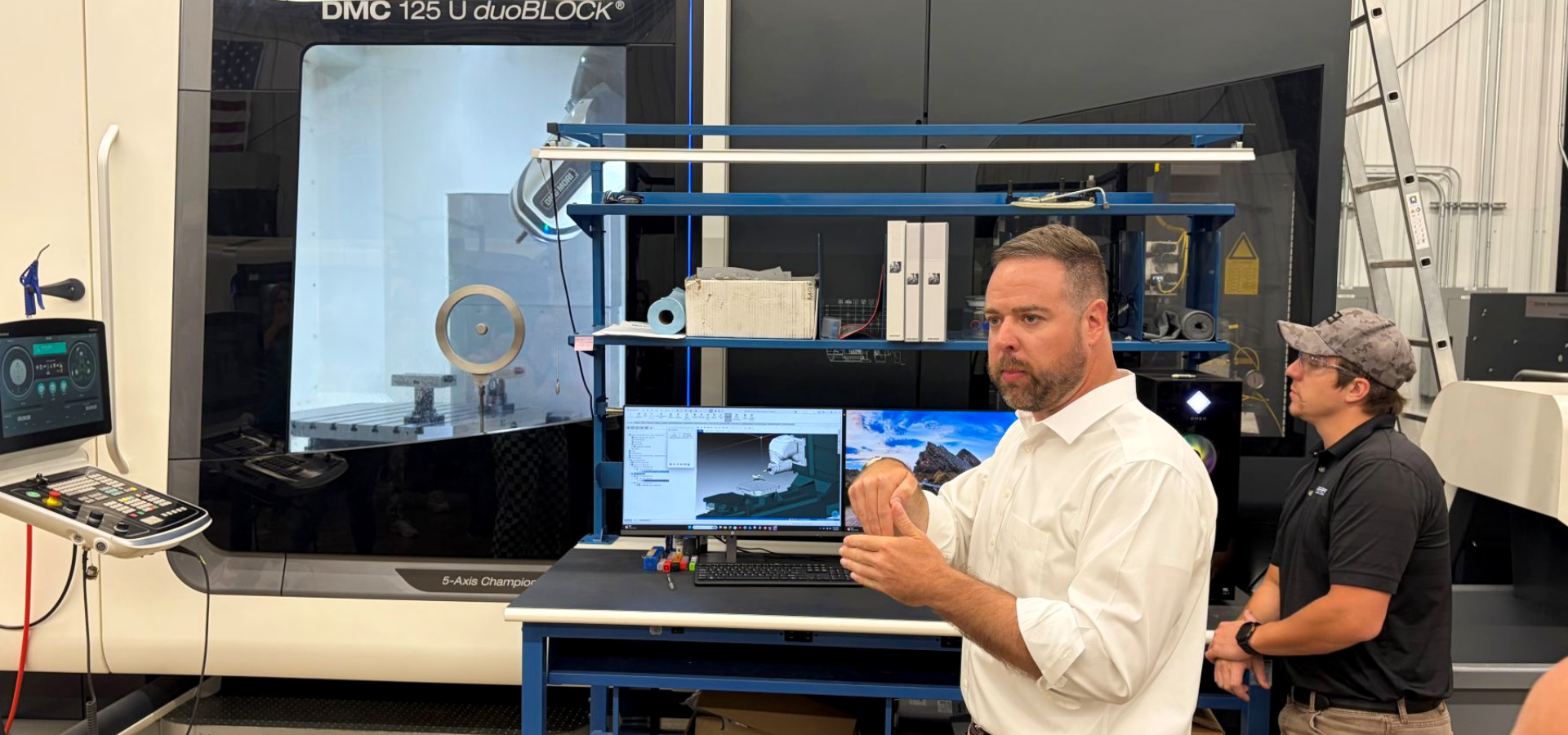
    Deepen content expertise through industry engagement

  1. Home
  2. AI101

AI101: Engaging Students Using AI-Powered Instruction

Modernizing Professional Learning Experiences
 

The AI101 course is designed to help K-12 educators explore the foundations of artificial intelligence and the ways AI can transform teaching and learning. Participants learn about AI fundamentals and large language models while gaining practical experience using generative AI in educational settings. Through hands-on activities, the course supports educators in integrating durable skills, machine learning concepts, and AI-powered instructional design into classroom practice.

Instructional STEM Resources

Standards-aligned curriculum examples and classroom-ready STEM resources are provided. Educators co-design instructional materials using AI-prompts and Microsoft PowerPoint as an instructional design and productivity tool to modernize instruction, integrate STEM and promote the durable skills that prepare students for future workforce demands.

Eligibility

This course serves as a foundational course in the InSPIRE artificial intelligence pathway, helping educators build a strong base in artificial intelligence, improve their technology skills, and co-design classroom-ready materials. AI101 is required for enrollment in all other InSPIRE AI Pathway courses.


Certifications and Stipend

Upon successful completion of the course, educators are certified as Microsoft Office Specialists in PowerPoint and receive a professional learning certificate in AI Foundations from FSU after passing post-course AI exams. A stipend is awarded to participants who successfully complete all program requirements.

slide
  • InSPIREd Teachers

    Become an InSPIREd Teacher

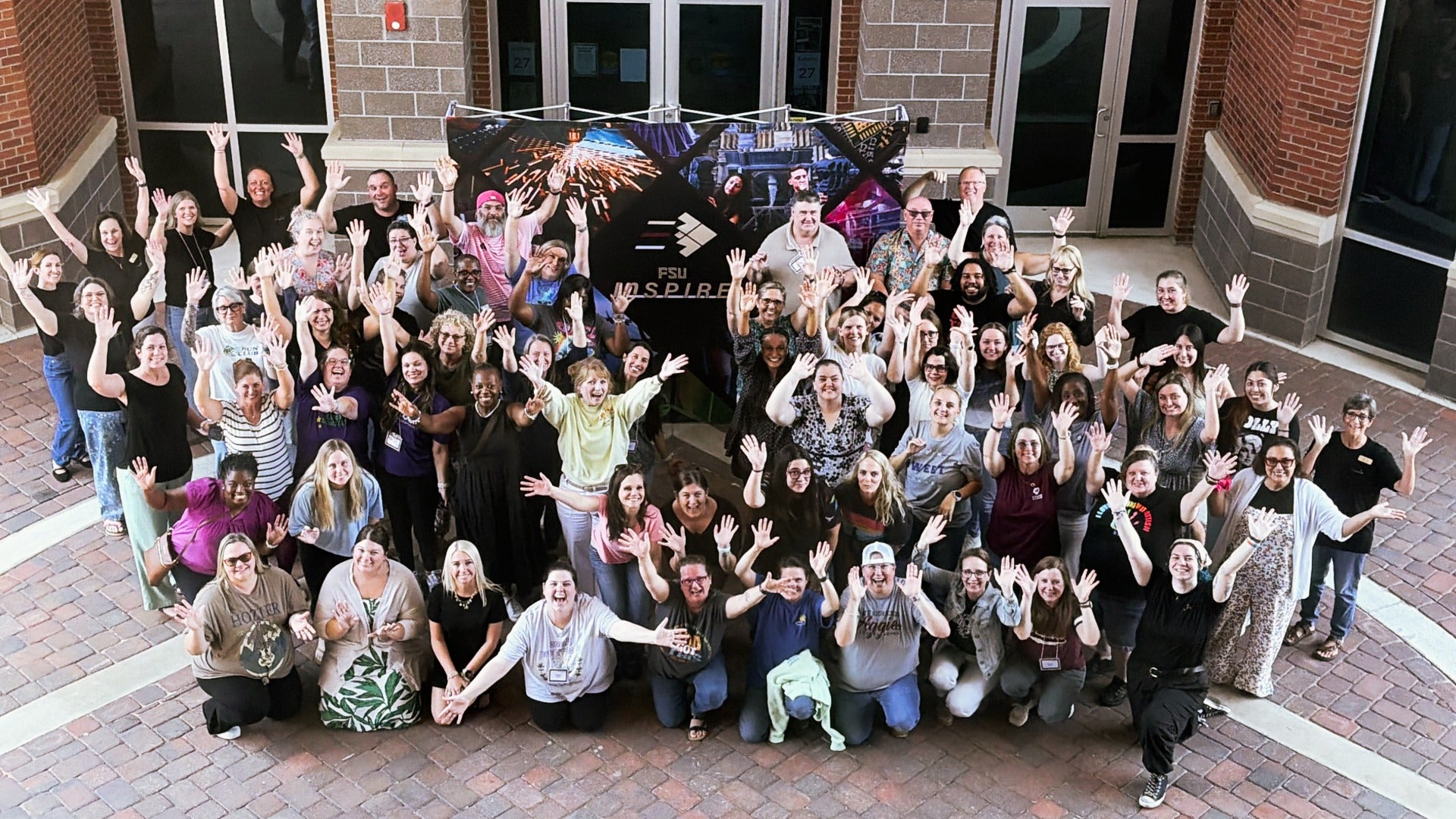
    Teachers from the eight counties of Escambia, Santa Rosa, Okaloosa, Walton, Bay, Gulf, Franklin, and Wakulla are welcome to engage in hands-on, K-12 professional learning experiences, collaborate with FSU faculty and industry experts, co-design standards-aligned, classroom-ready curriculum with artificial intelligence, earn industry-recognized certifications, receive a 35-hour professional learning certificate, and earn a $700 stipend upon successful completion.

    Apply Now

Read IQ InSPIRE Quarterly newsletterTemporary Operations Center
FSU Panama City
4750 Collegiate Drive
Panama City, Florida 32405

Contact
inspire@fsu.edu
850-770-2600

Sign up for updates here

Follow us on:

  •   Facebook
  •   Instagram
  •   Twitter
  •   LinkedIn

© Florida State University
Tallahassee, FL 32306

FSU Directory Assistance
Questions or Comments

Privacy Policy
Copyright

  • Like Florida State on Facebook
  • Follow Florida State on Instagram
  • Follow Florida State on X
  • Follow Florida State on Youtube
  • Connect with Florida State on LinkedIn
  • More FSU Social Media

Cookie Preferences